COLD HUD
10.00 EUR
Add to cart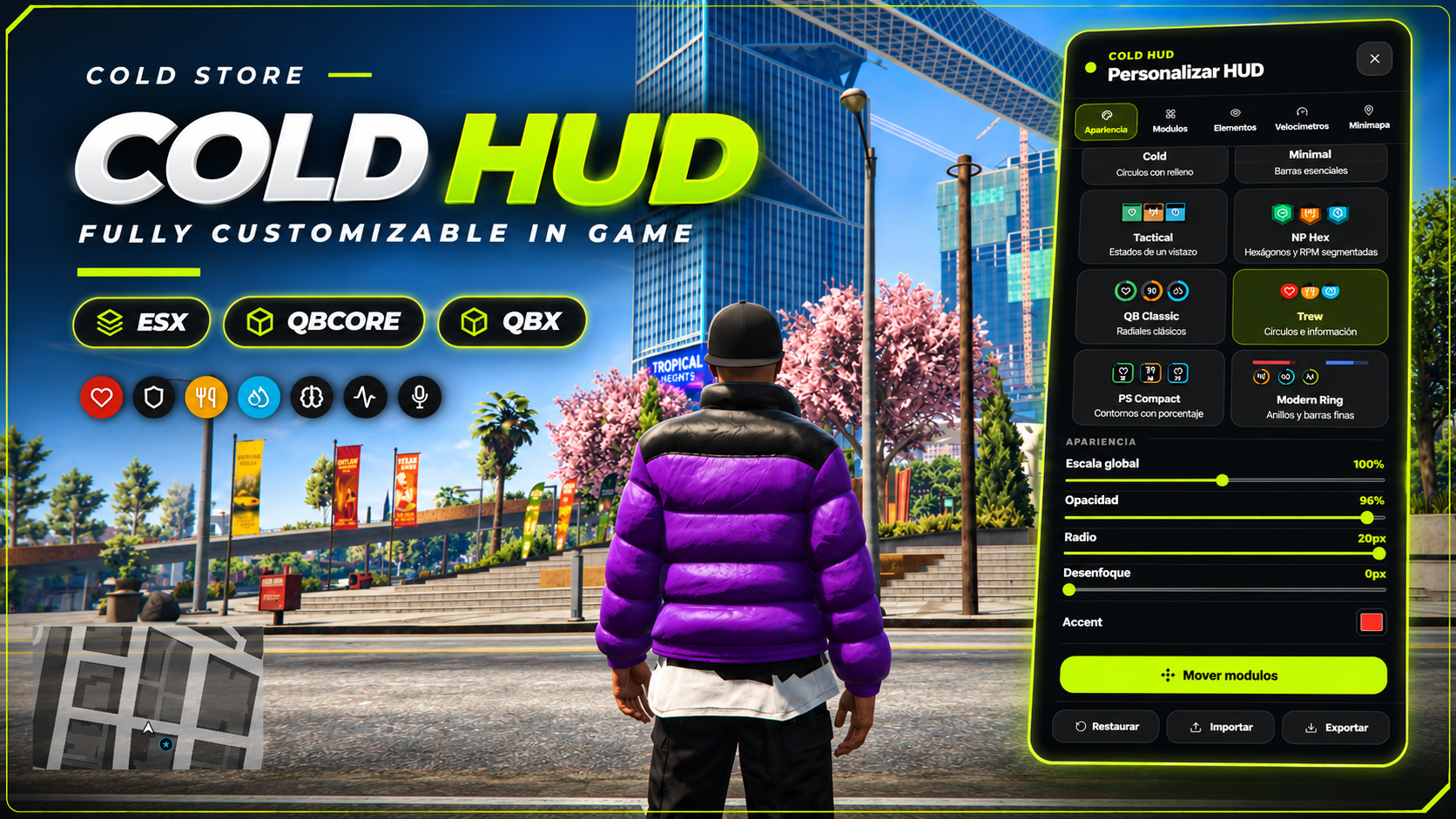




10.00 EUR
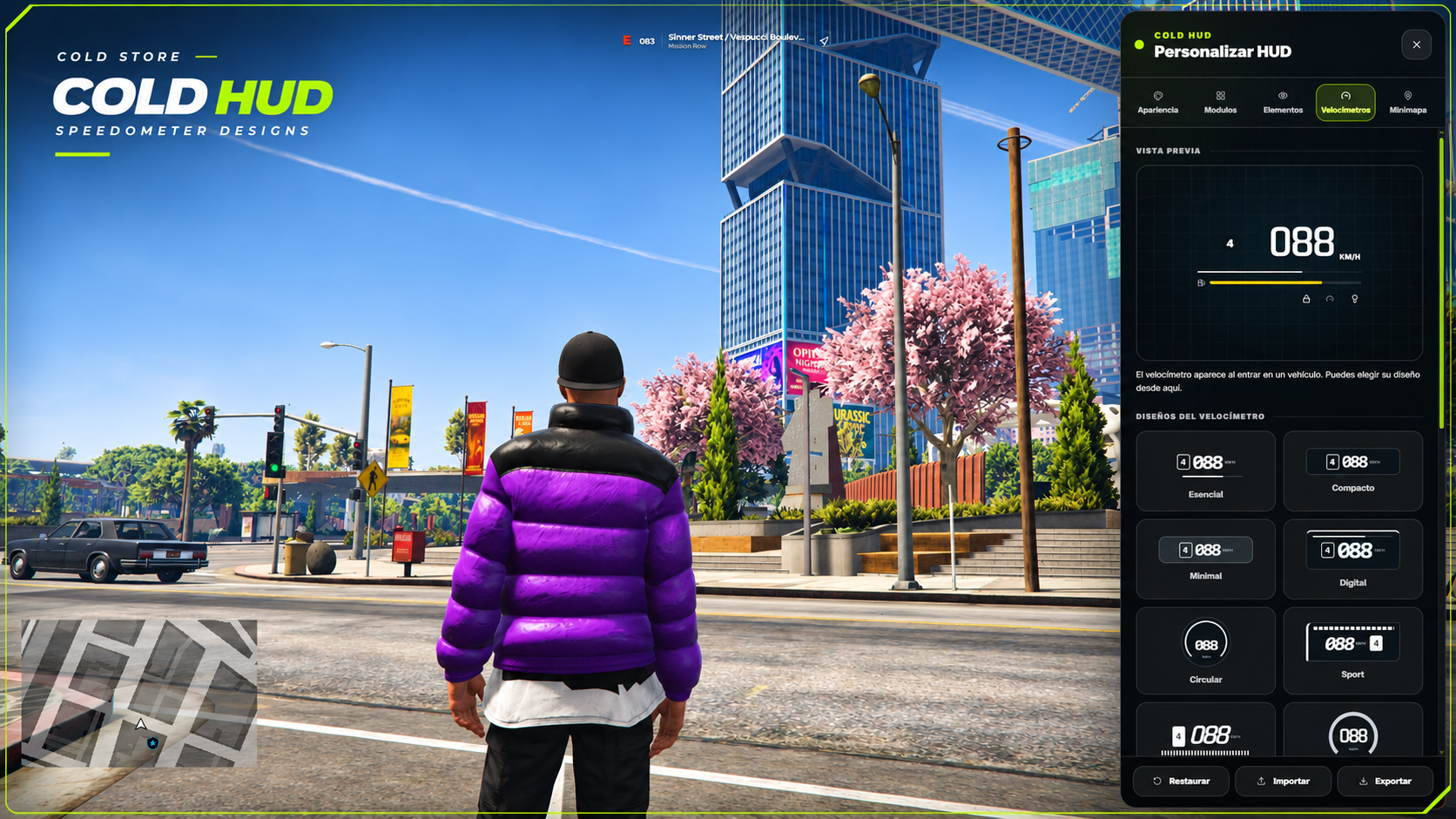
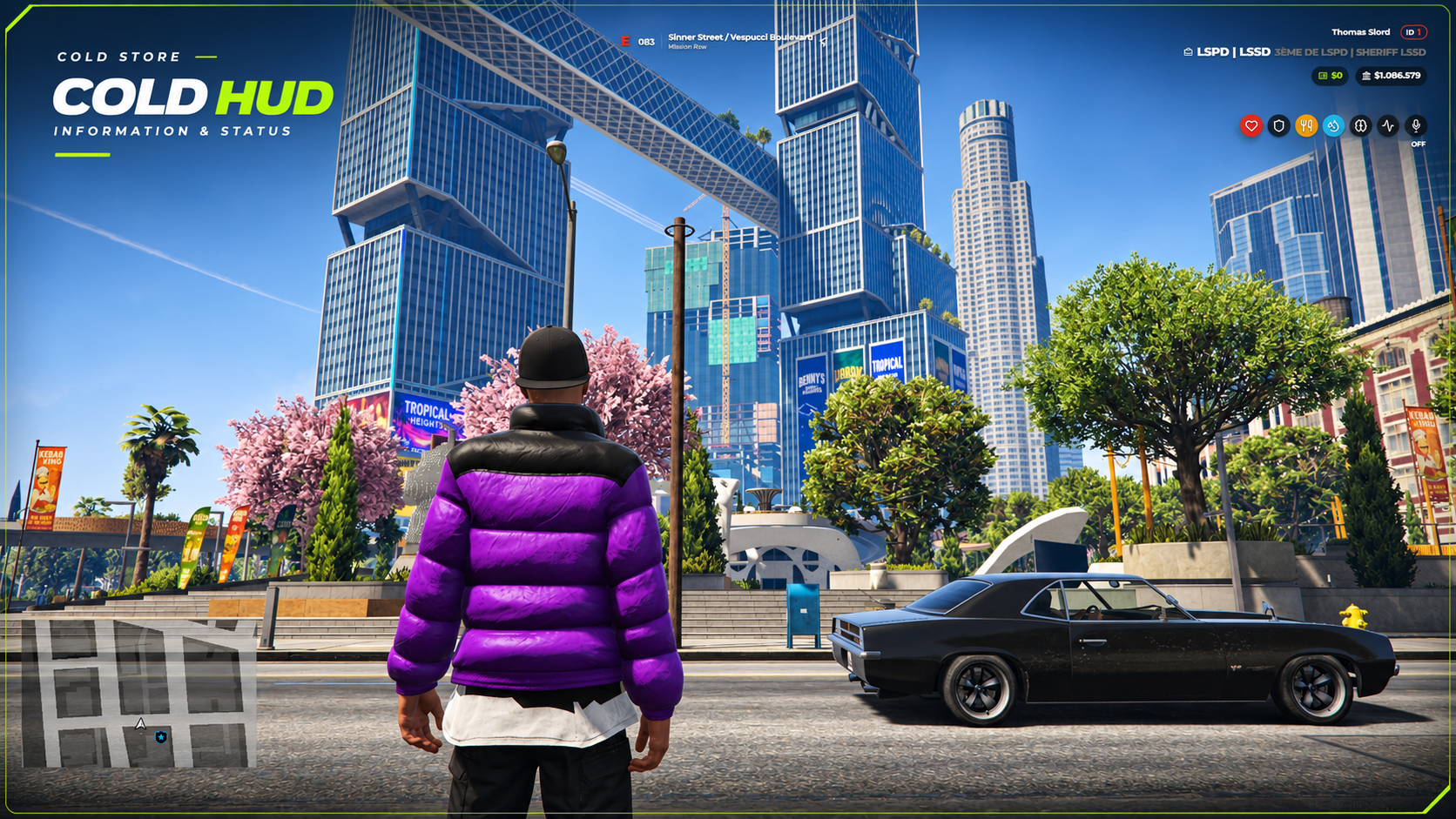
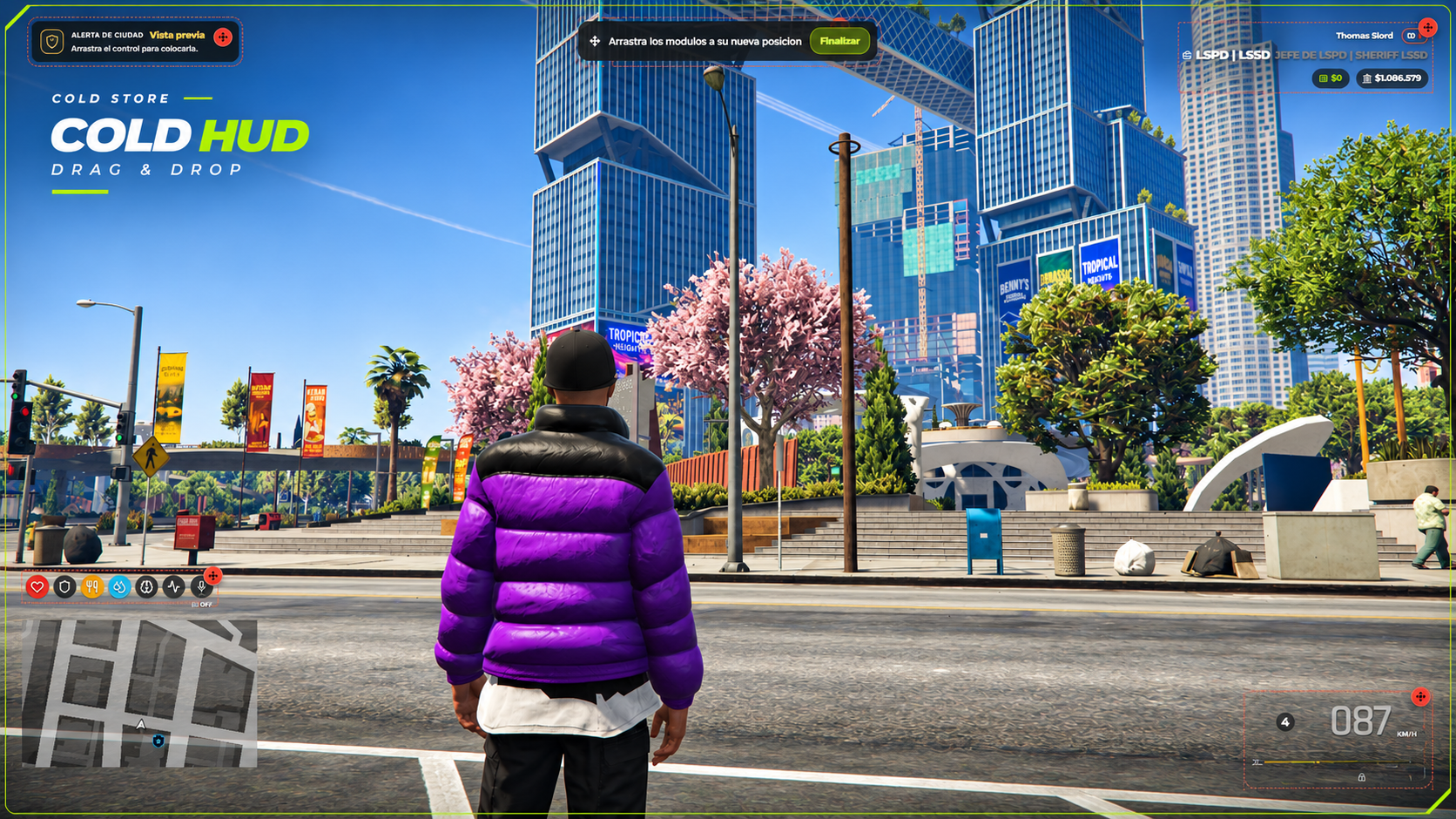
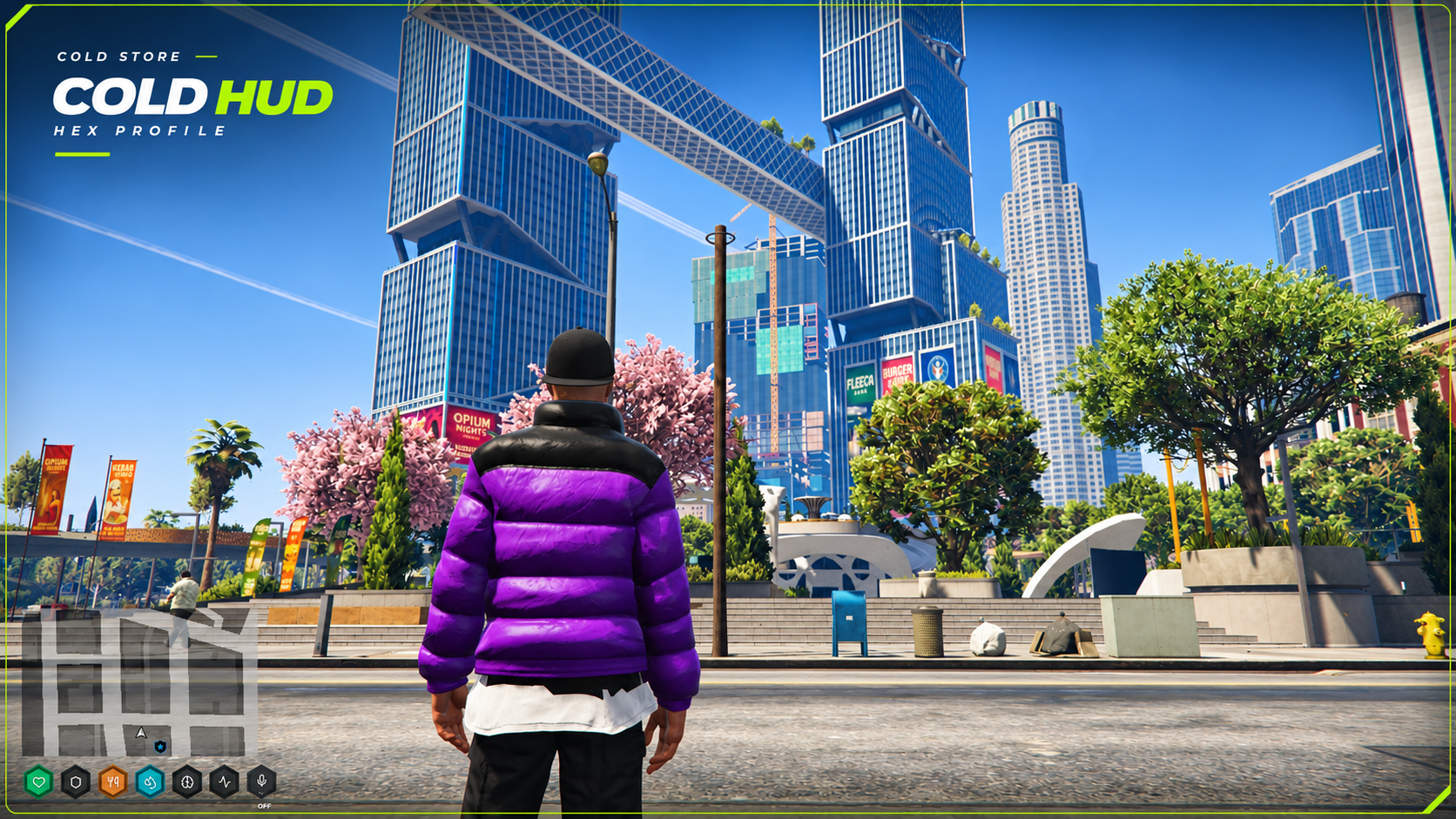
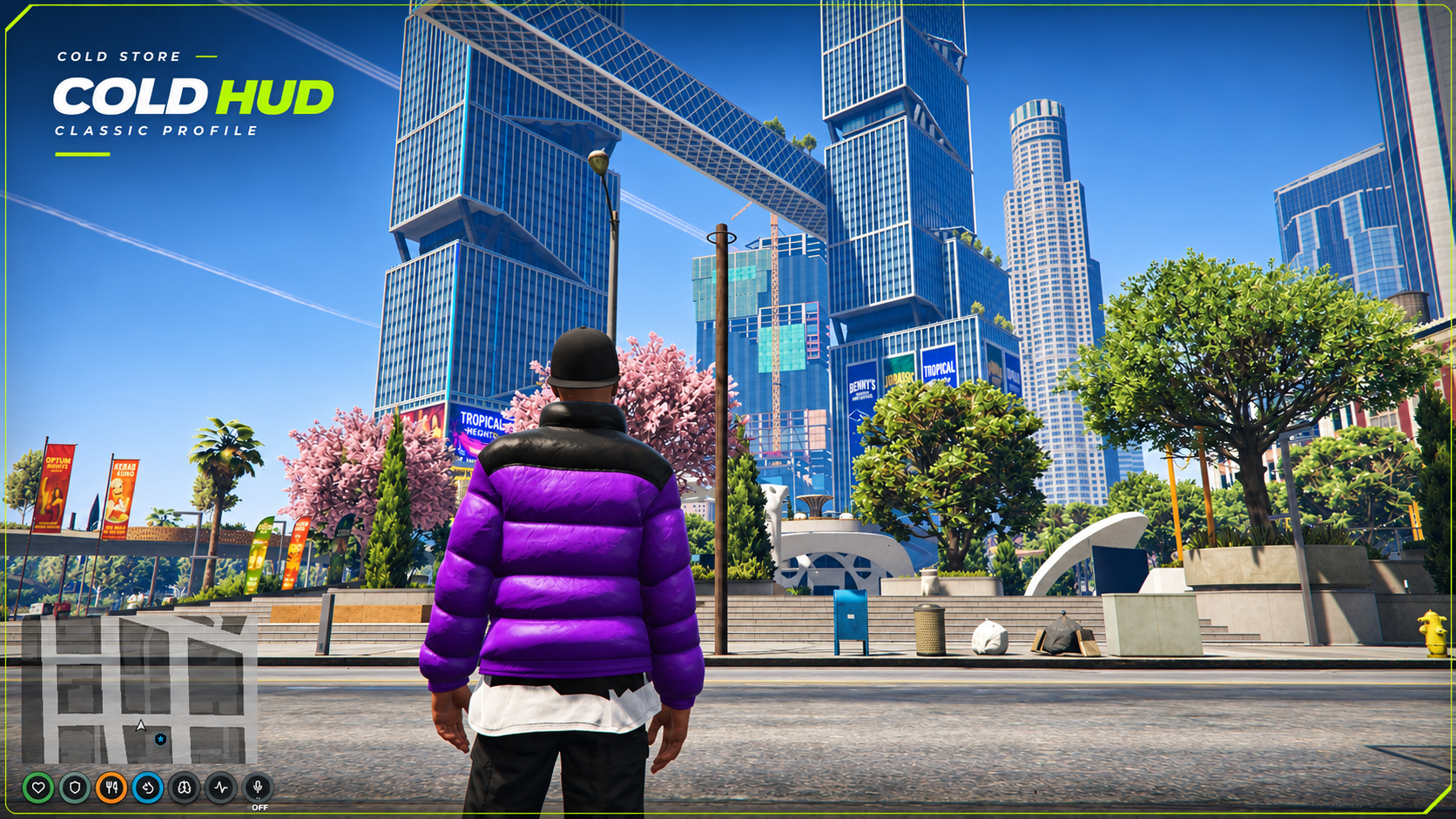
Add to cartA modular HUD for ESX, QBCore and Qbox. Players customize it directly in game: move modules, choose a style, adjust colors and show only the information they want.
Compatibility: ESX, QBCore, Qbox and standalone. Hunger, thirst, stress and job data depend on your framework and status resources. Editable configuration and client bridge included. English and Spanish included.
cold_hud in your server's resources folder.ensure cold_hud after your framework and status resources in server.cfg.config.lua. Framework detection is automatic by default./hud to customize the interface.No SQL import or additional Cold Store resource required. Disable this resource's seatbelt or cruise control in the configuration if another script already provides them.
HUD modular para ESX, QBCore y Qbox. Cada jugador lo personaliza dentro del juego: mueve los módulos, elige un estilo, cambia los colores y muestra solo la información que necesita.
Compatibilidad: ESX, QBCore, Qbox y standalone. Los datos de hambre, sed, estrés y trabajo dependen de tu framework y recursos de estados. Incluye configuración y adaptador de cliente editables. Disponible en español e inglés.
cold_hud en la carpeta de recursos del servidor.ensure cold_hud después del framework y de los recursos de estados en server.cfg.config.lua. La detección del framework es automática por defecto./hud para personalizar la interfaz.No requiere importar SQL ni instalar otro recurso de Cold Store. Desactiva el cinturón o el control de crucero desde la configuración si otro script ya los gestiona.